
The below steps are for running the Jamf recon command on your mac. This command sends updated inventory information to our Mac management system (Jamf).
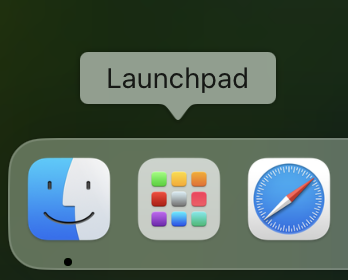
- Navigate to Launchpad
- Search for terminal
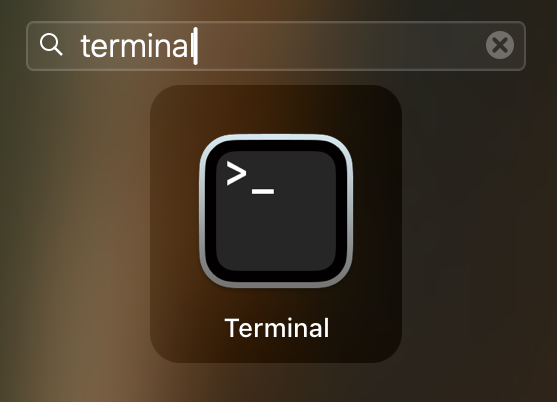
- Once terminal is launched type sudo jamf recon

- Hit enter to run the command
- You will be prompted for your password
- Follow any prompts allow terminal access to your mac after the command