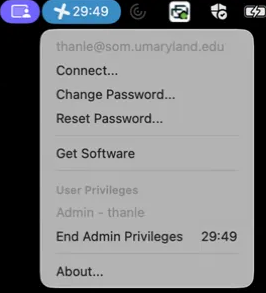
- The Jamf Connect logo is in the top right corner of your Mac.
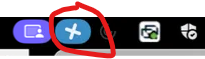
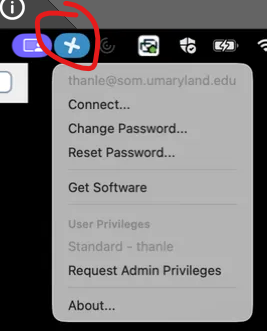
- When requesting admin privileges select the Jamf Connect Emblem, a drop-down menu will appear and “Request Admin Privileges” will appear.
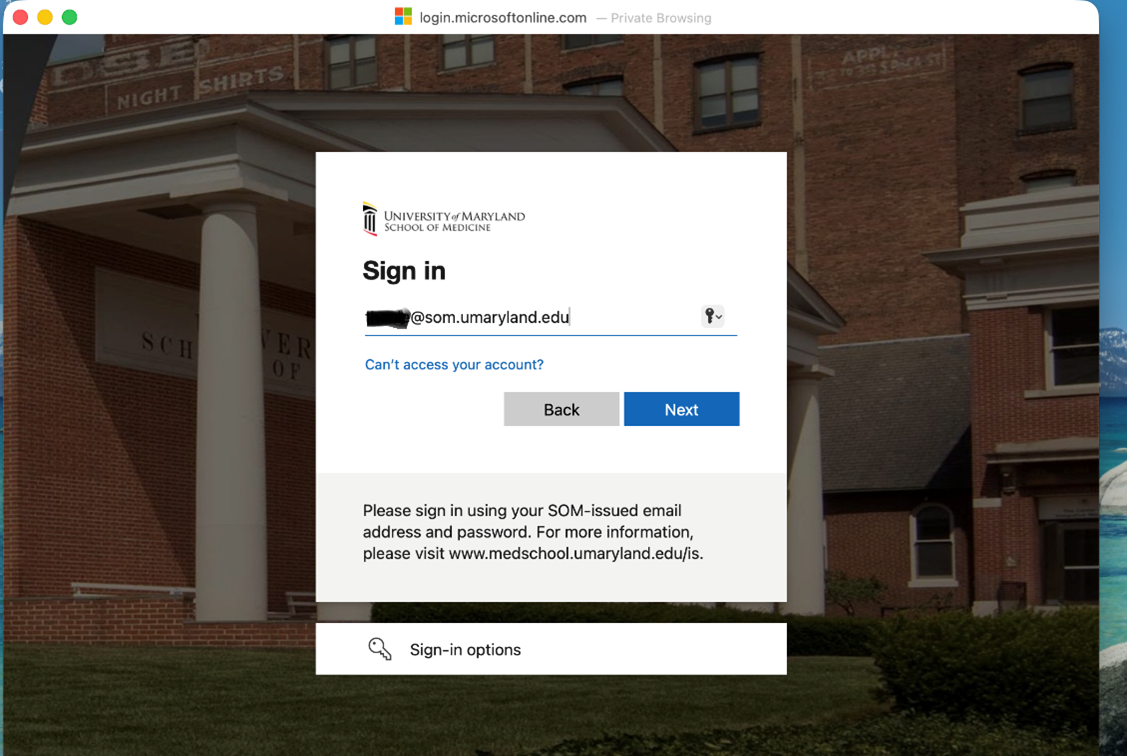
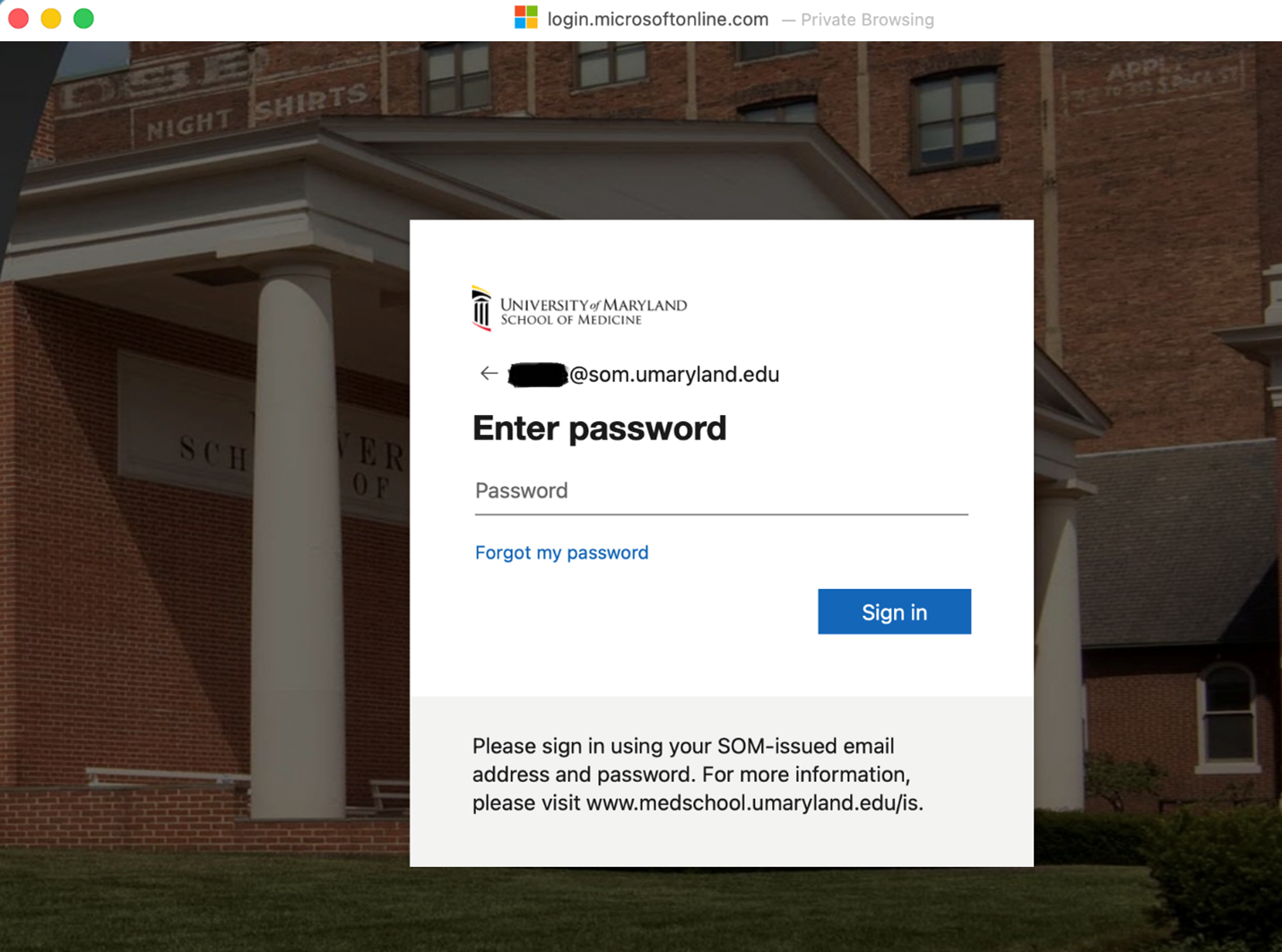
- You will be prompted for you SOM username and password to authenticate.
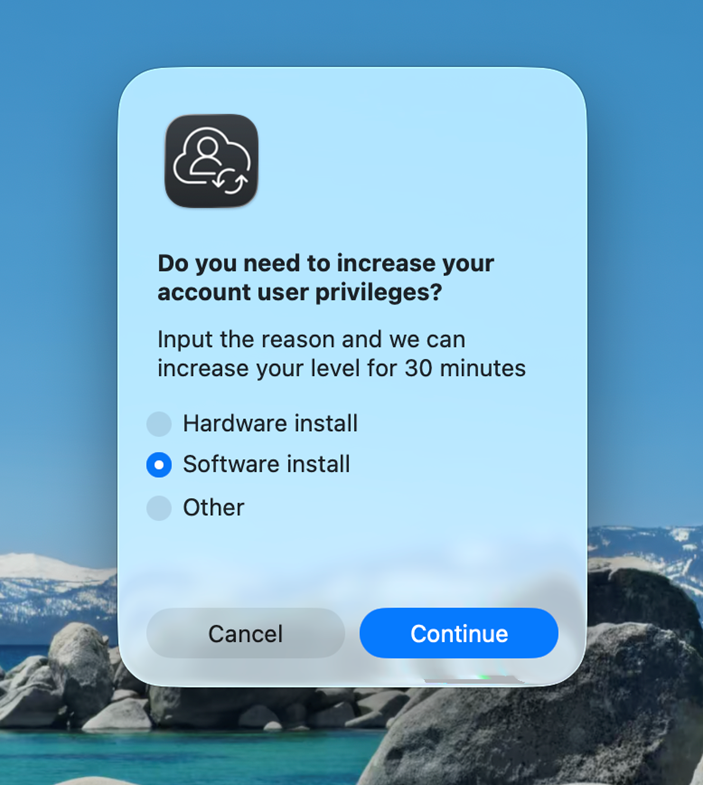
- You will be prompted to provide a reason for requesting administrative privileges. Please select one of the listed reasons.
- Once the reason has been selected your 30 minute privilege elevation will begin. A timer will be displayed in the upper right corner of the desktop. Administrative privileges can be ended early by selecting “End Admin Privileges”.